

S Vision Anatomy Table Interactive 3D human anatomy
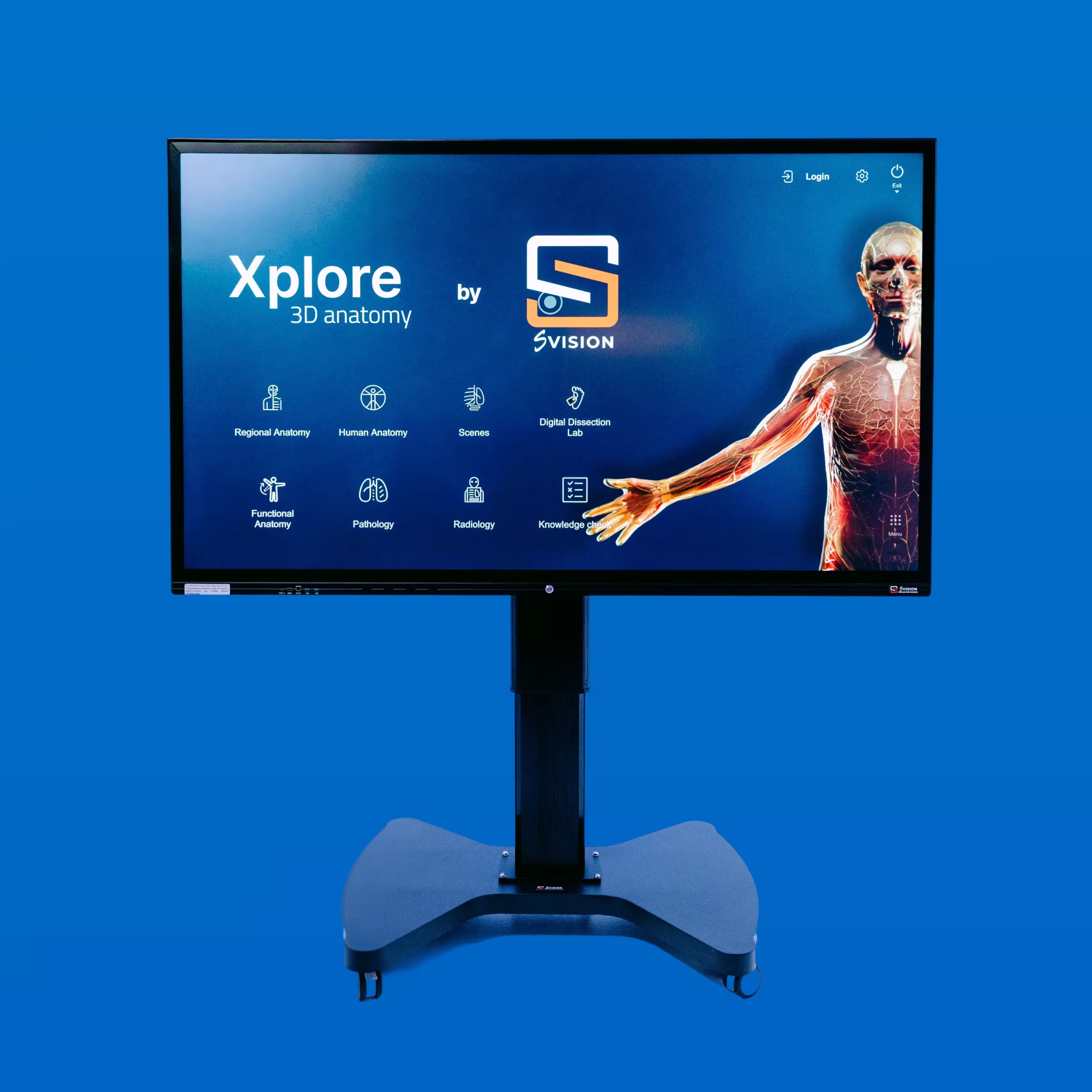
Experience immersive, high-resolution 3D visualization with the S Vision Anatomy Table. Instructors and students explore highly detailed human anatomy on a 4K Ultra HD touchscreen, in class or remotely.
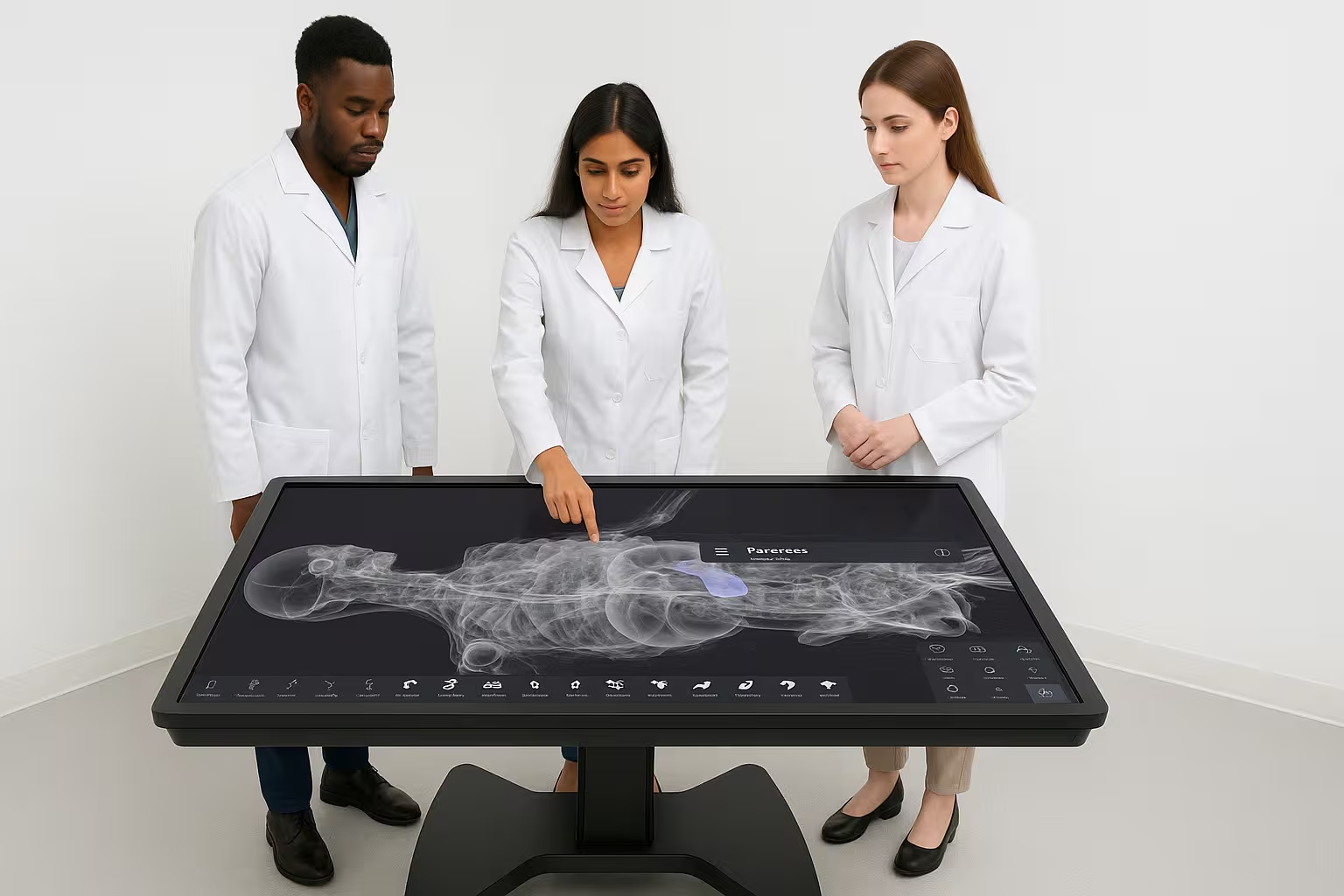
- 4KUltra HD touchscreen
- 100+Pathologies to compare
- 3Planes for CT and MRI
.avif)
Learn and explore in a new way
Instructors and students manipulate highly detailed, vivid 3D human anatomy on a 4K Ultra HD touchscreen.
Use it in theoretical lectures to explain anatomical concepts visually in 3D, and in practical classes to work through structures hands-on.
The table keeps growing: new sections, such as Human Physiology, arrive on the same screen.
Eight sections. One table.
From digital dissection to radiology, pathology and knowledge checks, every section works on the same 3D anatomy.
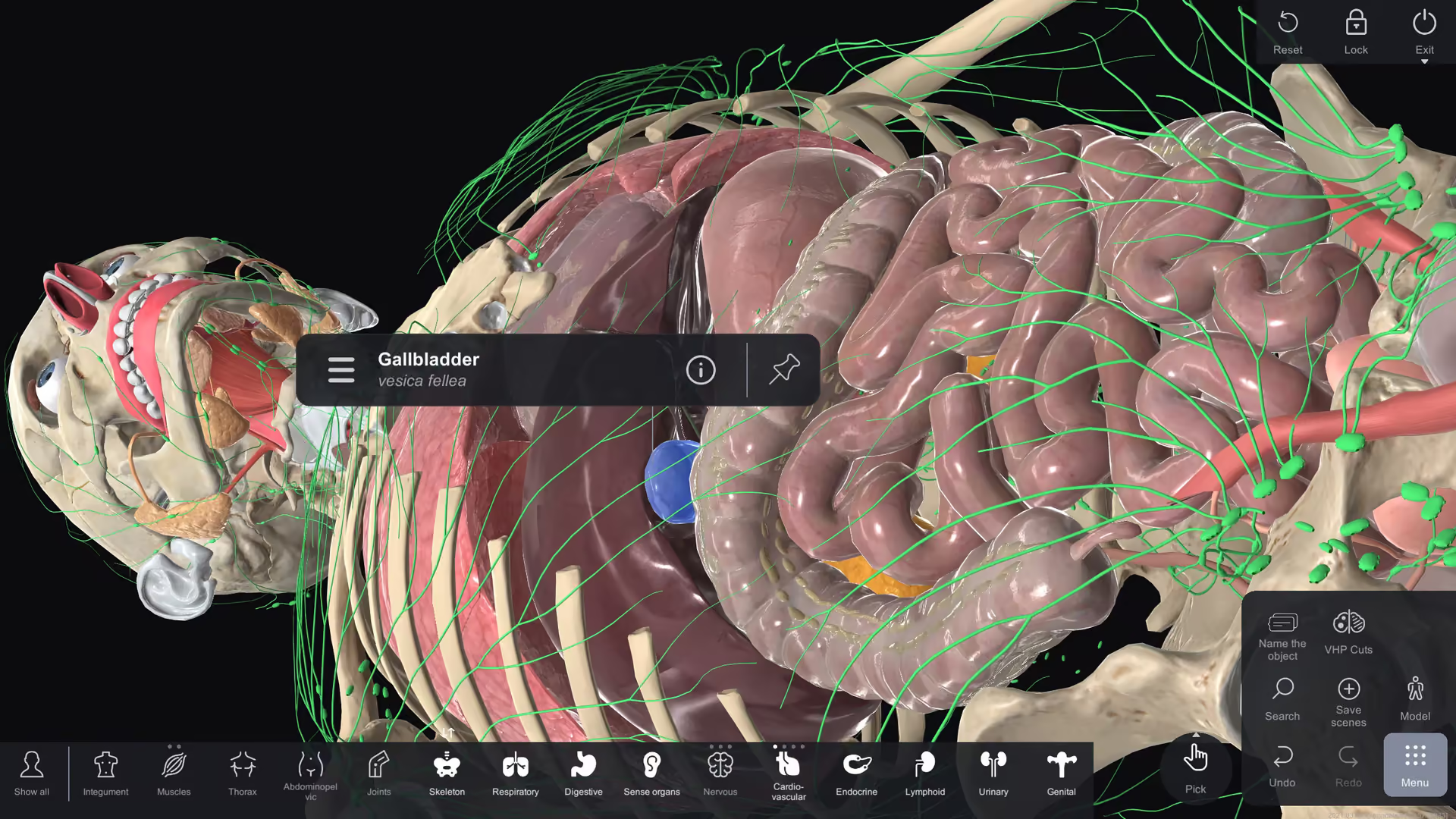

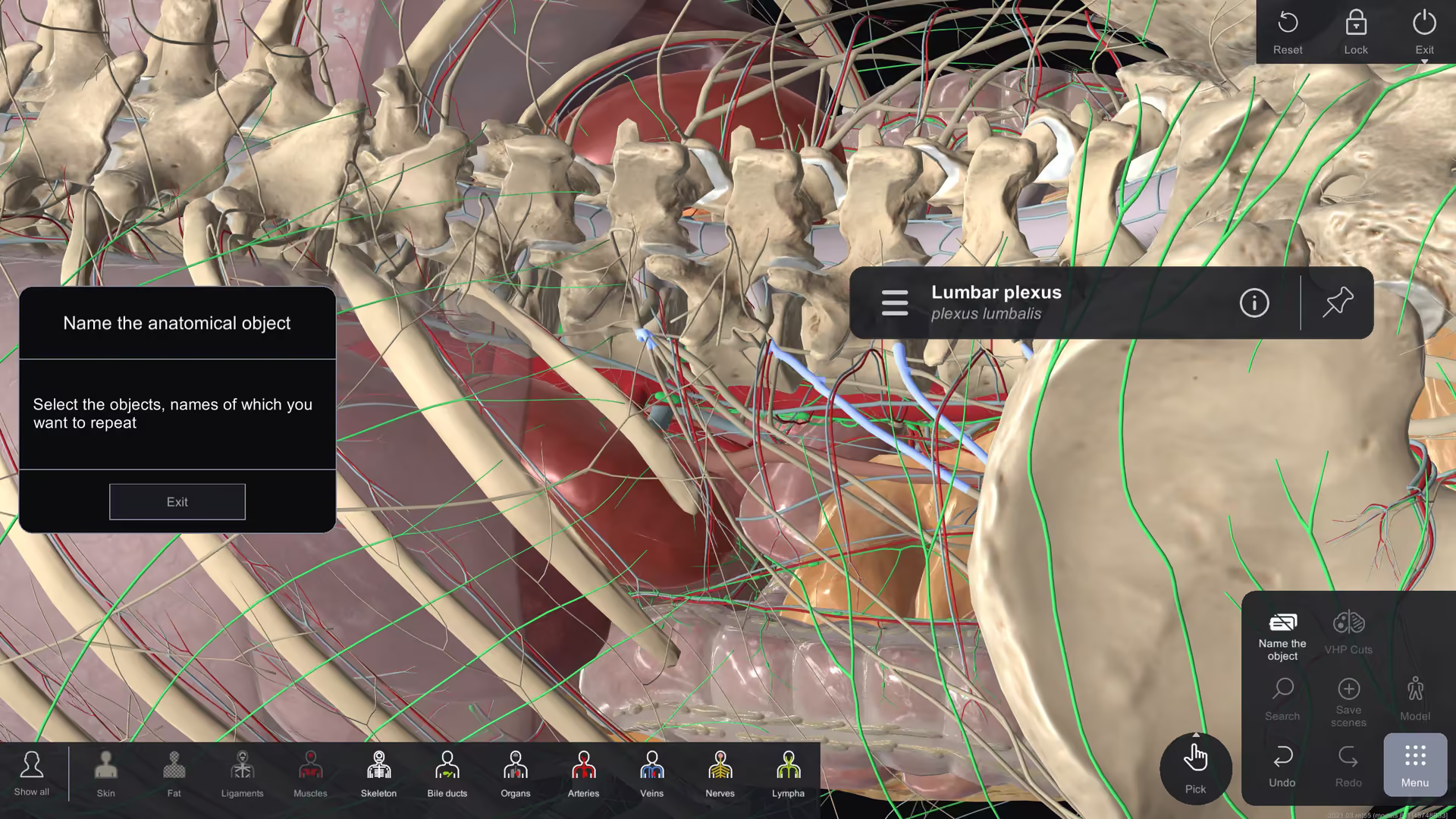
Human anatomy
- Digital dissection of the body in axial, coronal and sagittal planes and the VHP cut
- Teach anatomy by layer, by system or by body part
- Zoom in or out, hide and delete objects, make organs and systems semitransparent
- Draw with a pen and share scenes
- Segmentation highlights the lobes and segments of an organ
- Select turns off everything except the object you are working with
- Combine or isolate objects
Radiology
- Study CT and MRI interactively in axial, coronal and sagittal planes
- Help students read CT and MRI against the 3D anatomy
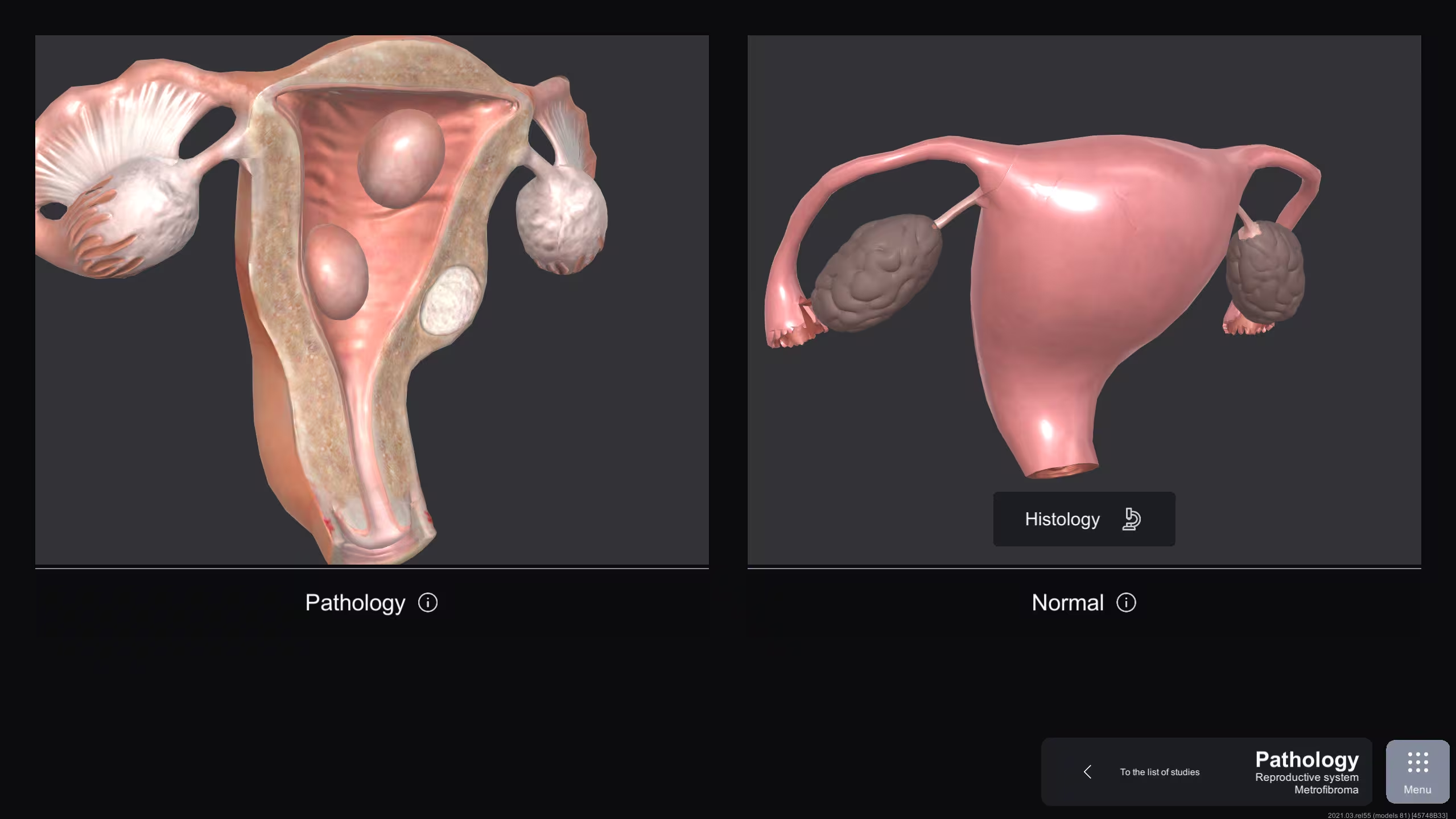
Pathology
- Compare a healthy and a pathologic organ, with over 100 pathologies
- Compare organ descriptions and histology data
- Study normal and pathological states of organs
Knowledge check
- Quizzes on anatomy, physiology and functional concepts
- Instant feedback with correct answers and explanations
- Beginner, intermediate and advanced levels
- Varied question formats test knowledge from different perspectives
- Progress tracked over time, so weak areas show up
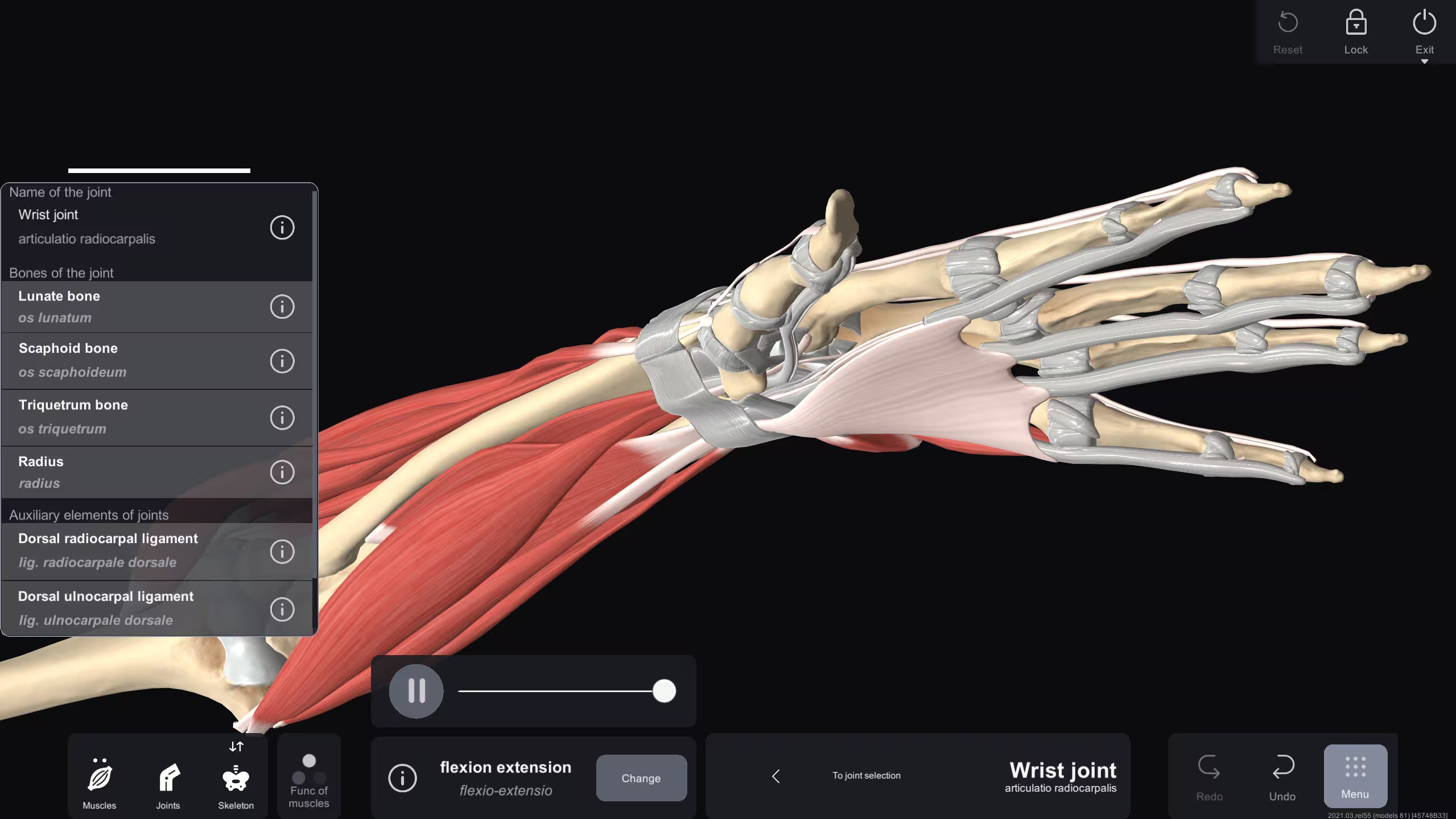
Functional anatomy
- Explore muscle actions, joint mechanics and system interactions
- Animations of muscle contractions, joint movements and organ functions
- Linked to real-world scenarios: sports injuries, rehab and surgery
- Simulate movements and see the anatomical changes
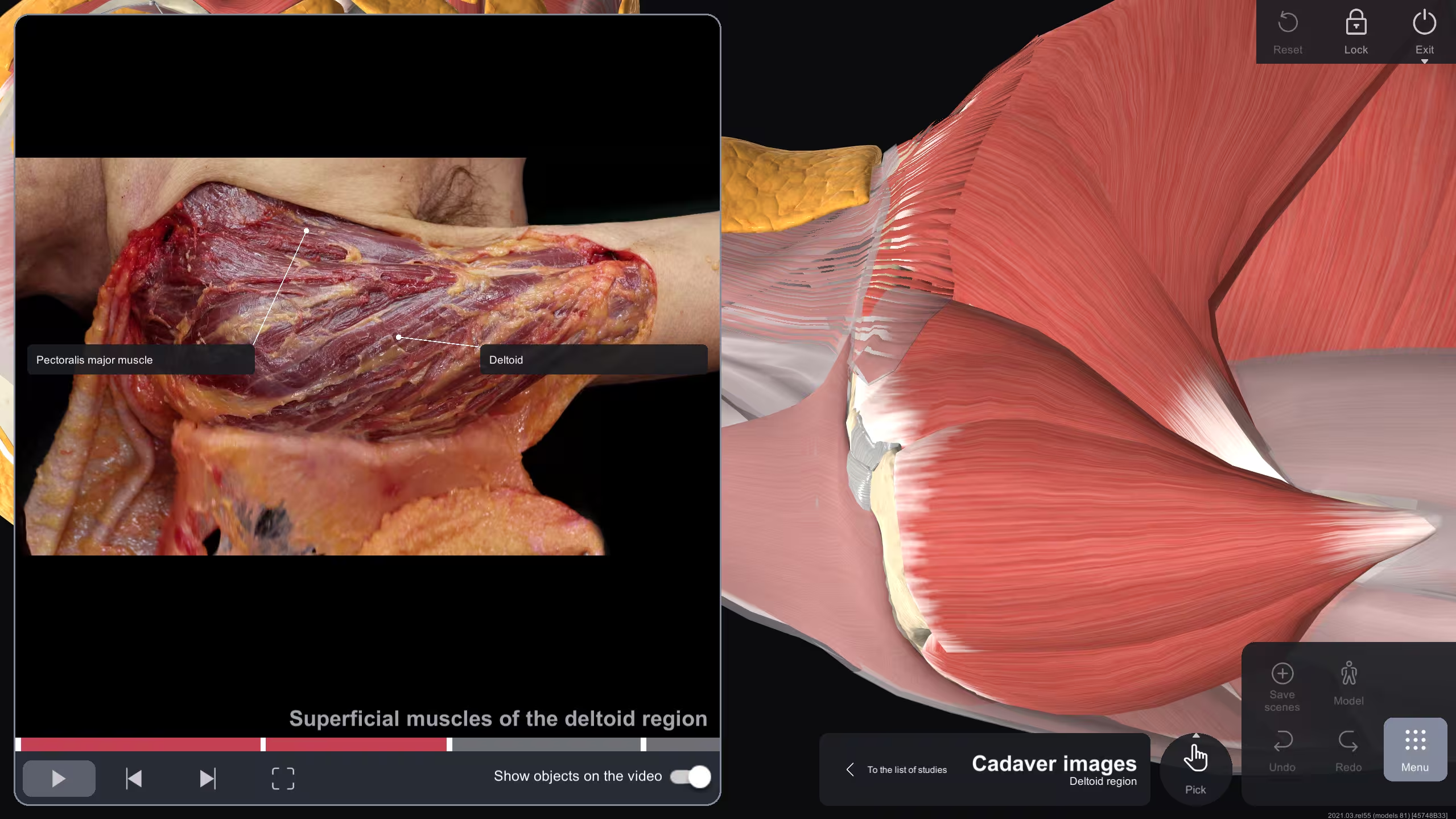
Cadaver dissection
- Human anatomy as seen in cadaver labs
- Manipulate, zoom, rotate and compare 3D structures to real cadavers
- Train students without access to a cadaver lab
- Explore layer by layer: skin, muscles, bones and organs
- Clear labels and descriptions, no cross-referencing textbooks
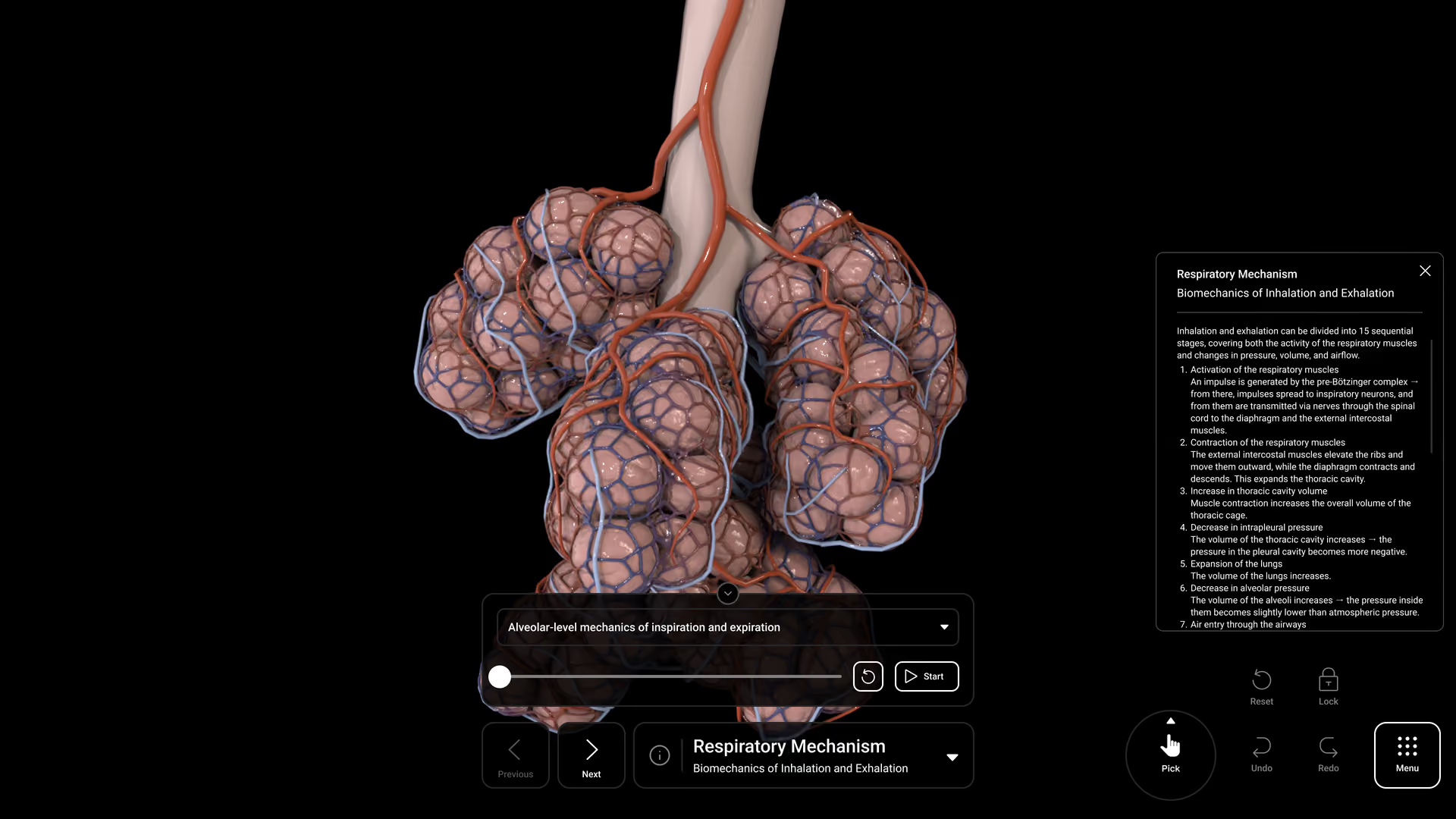
Human PhysiologyComing soon
- The body’s key processes as 3D animation, broken down into stages
- Explore each process at your own pace
EmbryologyComing soon
- Human development through interactive 3D models, animations and clinical insights
- Links developmental processes to genetics and adult anatomy
- Cardiovascular, musculoskeletal, nervous and gastrointestinal development
One table. The whole class.
Use it for seminars, conferences and workshops, teach in class and at a distance, and let students work in groups or on their own.
Seminars and workshops
Use it for large groups: seminars, conferences and workshops.
In class and remote
Teach in class and at a distance, with live streaming for remote teaching.
Groups or individually
Students work in groups and individually.
Scenes you can share
Create anatomic scenes for your presentations and share them.
Engineered for power, clarity and flexibility
- Stunning 4K Ultra HD touchscreenHighly detailed, vivid 3D anatomy under the fingers of instructors and students.
- Flexible display orientationUse it flat as a table or upright as a display.
- High-speed performanceDetailed models respond as fast as the class works.
- Adjustable height systemSet the screen at the right height for the group around it.


The table, and every screen around it
Use the software on PCs, laptops or other screens for remote education and collaboration.
Install it on your own and your students’ devices to keep studying after class.
S Vision Anatomy is also available by subscription through a dedicated mobile app for iOS and Android.
Holyoke Public Schools on the Anatomy Table
Hear how a public school district brought 3D anatomy into its classrooms.

Made for anatomy teaching at every level
- Schools
- Medical training centers
- Medical universities and colleges
- Institutions for continuing medical education


See the Anatomy Table in action
See how the S Vision Anatomy Table turns traditional learning into an engaging, interactive experience.
Remote setup included · 1-year warranty · Software included · Online Training Included
Download brochureFind more simulators

- What is the S Vision Interactive 3D Anatomy Table?
A high-tech educational tool for detailed study of human anatomy in a digital format. Interactive 3D models on a 4K Ultra HD touchscreen make learning immersive.
- Who can benefit from using the Anatomy Table?
Schools, medical training centers, medical universities and colleges, and institutions for continuing medical education: anyone who wants students to understand human anatomy through interactive learning.
- What are the main features of the Anatomy Table?
Detailed digital dissection, anatomic scenes you can create and share, normal and pathological states of organs, and real-life imaging such as ultrasound, CT and MRI. Knowledge checks, functional anatomy and cadaver dissection modes complete the picture.
- Can students use it outside the classroom?
Yes. The software runs on PCs, laptops and other screens for remote education and collaboration, and S Vision Anatomy is also available by subscription through a mobile app for iOS and Android.
- Is training provided with the Anatomy Table?
Yes. Remote setup, online training and the software are included, along with a 1-year warranty.
- How can I schedule a demo or get a quote?
Schedule an online demo to see how the Anatomy Table turns traditional learning into an interactive, engaging process, or request a quote for your institution.
Immerse yourself in a demo to see how MedVision transforms traditional learning into an engaging, interactive experience
Holyoke Public Schools about Anatomy Table - S Vision
Immerse yourself in a demo to see how MedVision transforms traditional learning into an engaging, interactive experience

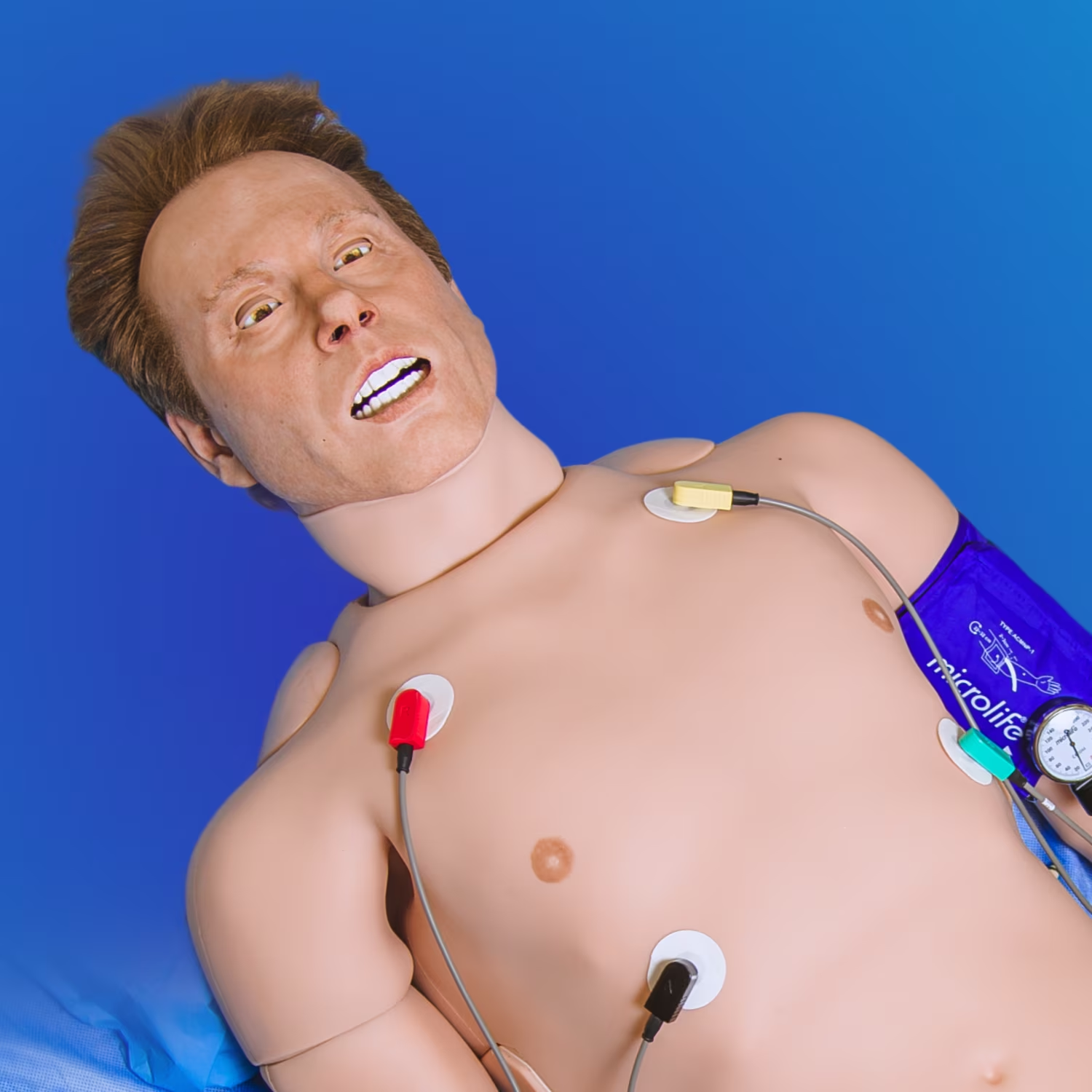
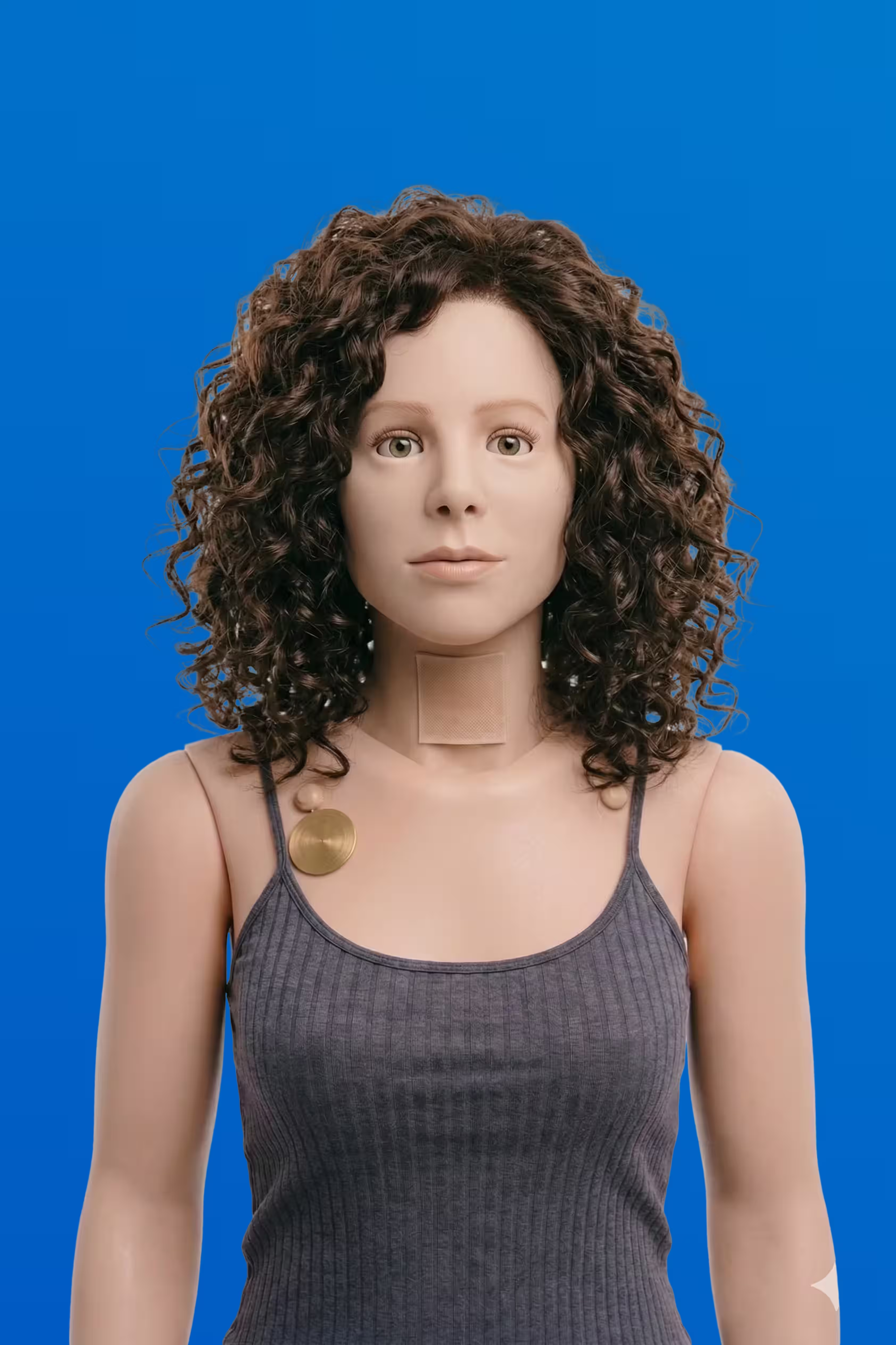
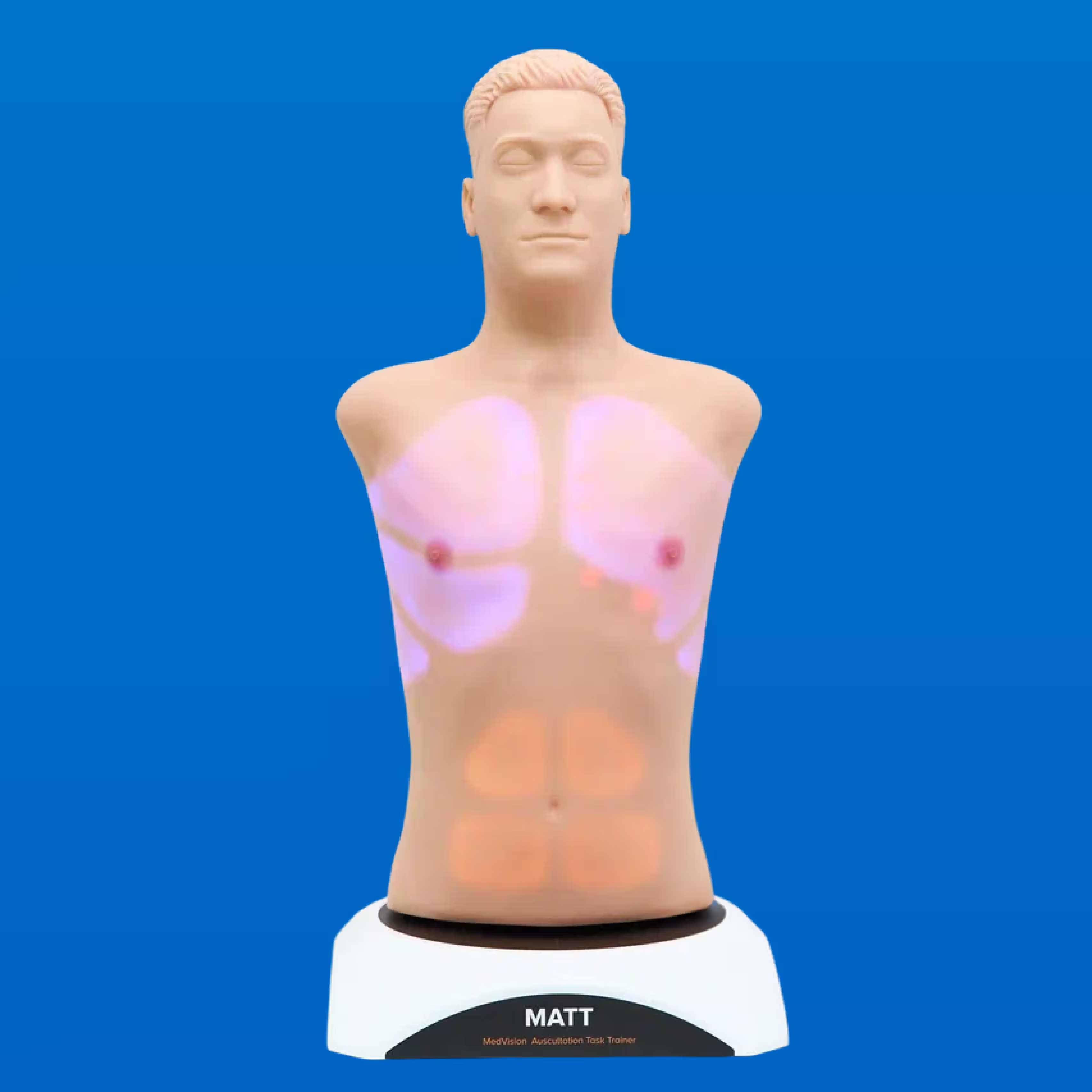
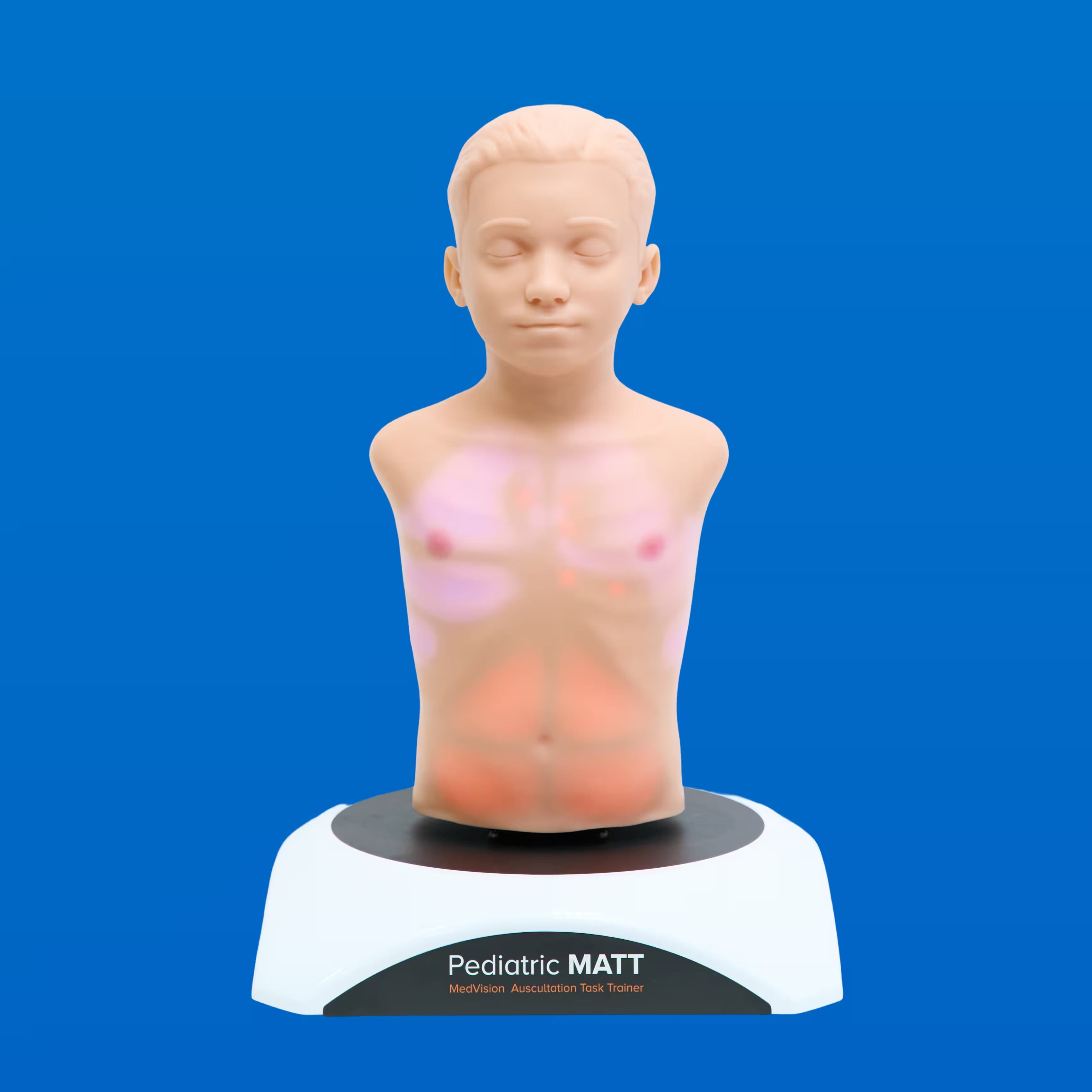
Patient simulators, task trainers and anatomy tables for nursing schools, hospitals and EMS programs.
Not sure which one fits your program?
Monday — Friday9:00 AM — 5:00 PM EST
14300 Carlson CircleTampa, Florida, 33626-3003, USA
W9 form (PDF)© 2026 MedVision. All rights reserved.
One quote that lists hardware, software, setup and training.
- Remote setup included
- 1-year warranty
- Software included
- Online Training Included
Something went wrong while sending. Please try again, or email us at sales@medvisiongroup.com.